






Read article
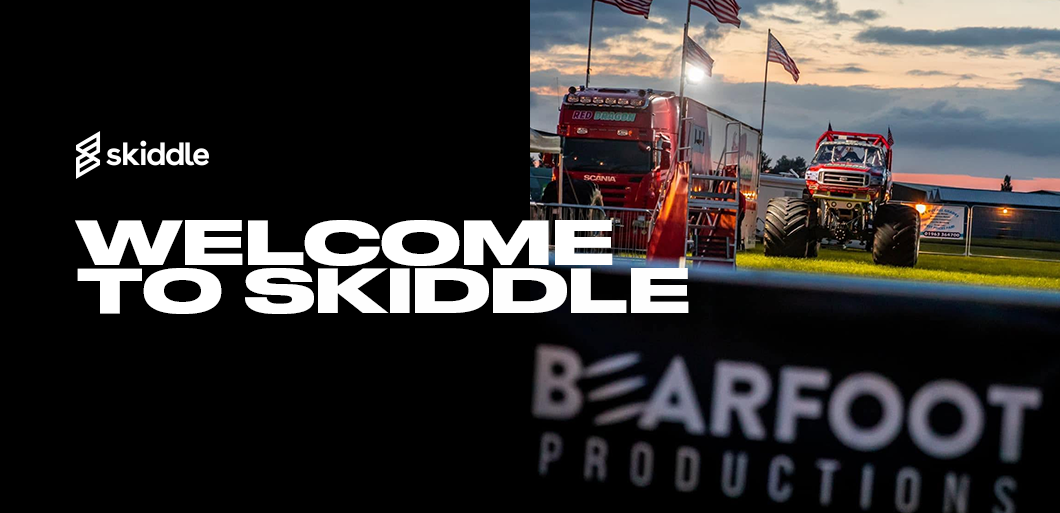
Welcome to Skiddle: Bearfoot Productions
-
By Dale Grogan
- 21 Sep 2026
- 3 min read
Home » Sell tickets »
From food festivals and tasting events to supper clubs and cocktail masterclasses, the Skiddle Promotion Centre helps you promote your events, manage bookings, and sell more tickets with less fuss.
Register your account
Create your free Promotion Centre account and start listing food and drink events in minutes.
Create an event
Set up your event quickly with simple tools designed for busy promoters and venues.
Start selling tickets
Reach fans of food and drink events, and sell tickets with no upfront costs.
Highly rated by our customers
"The Skiddle team are very hands-on in their approach. They strive to answer any queries we might have promptly. They always ensure the whole process of setting up and running an event is a seamless one. We couldn't recommend using them enough."
Digbeth Dining Club
65,236 Skiddle followers
Our Remind Me feature lets your customers sign up to receive prompt reminders when tickets for your event go on sale, helping you bring engaged event fans back when they’re ready to book. Learn more
Customers following your brand on Skiddle will receive app and email alerts when you make new events live, meaning more repeat bookings and ticket sales earlier in your campaign. Learn more
Have your event featured alongside major culinary experiences in Skiddle’s extensive Festival Guide, seen by millions of food and drink fans every month, looking for their next day out.
Sell add-ons alongside your tickets, including drinks packages, VIP upgrades, and event merchandise – all within the same booking journey. Zero hassle, all the reward.
Read article
By Dale Grogan
Read article
By Dale Grogan
Read article
By Dale Grogan
| Feature |

|
See Tickets | Ticketmaster | Gigantic | Eventbrite |
| Brand Alerts | Yes | Yes | Yes | Yes | Yes |
| Push Notifications | Yes | No | Yes | No | Yes |
| Cool Off (72hr Refund) | Yes | No | No | No | No |
| Customer App | Yes | No | Yes | No | Yes |
| WhatsApp/SMS alerts | Yes | No | No | No | No |
| Spotify Integration | Yes | Yes | Yes | Yes | No |
| Same-day Remittance Payments | Yes | No | No | No | No |
| White Label Ticketing | Yes | Yes | Yes | Yes | No |
| Skiddle Reps (Affiliate Marketing) | Yes | No | No | No | No |
| Dedicated In-house Marketing Team | Yes | Yes | No | Yes | No |
Get in touch with our Account Support team.
How do I set up Session-Based Ticketing for repeating events?
How do I use Event Series?
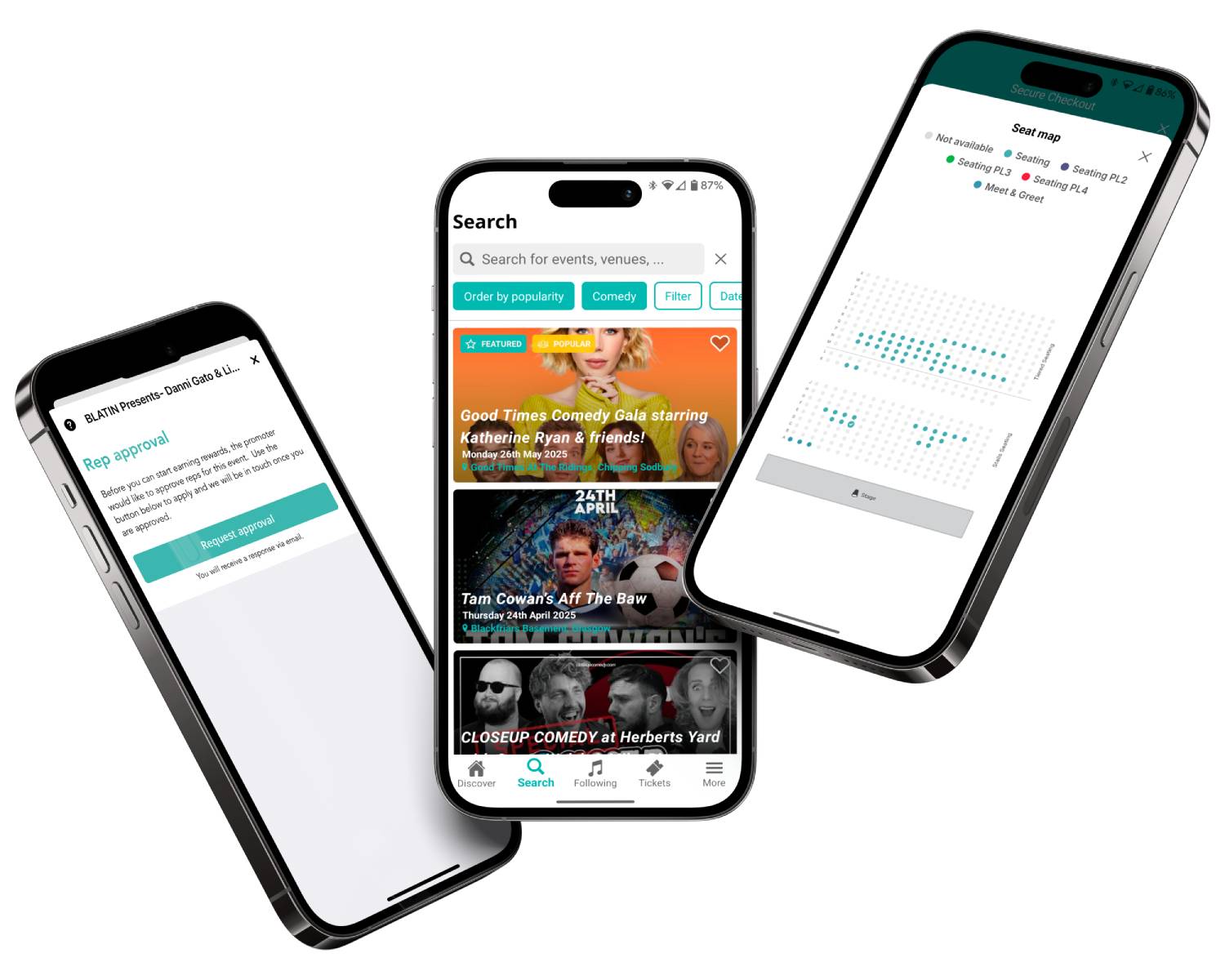
How do I set up an allocated seating event?
How do I scan my event tickets?
Accessibility settings
Accessibility profiles
Content
Navigation
Colour