








Read article
Welcome to Skiddle: Bearfoot Productions
-
By Dale Grogan
- 21 Sep 2026
- 3 min read
Home » Sell tickets »
From early bird launches and lineup announcements to final release tickets, the Skiddle Promotion Centre helps maintain momentum and keep sales moving throughout your campaign.
Register your account
Create your free Promotion Centre account and list your festival in minutes.
Create an event
Set up festivals of any size with easy-to-use tools built for organisers, promoters, and event teams.
Start selling tickets
Reach festival-goers and sell tickets with no upfront costs.
Highly rated by our customers
"Our acccount manager is reliable and always on hand to assist and advise whenever needed. Whether it’s covering ticketing, setting up events, marketing support or customer queries, Skiddle always ensures a speedy and positive resolution."
Reggae Land
"The Skiddle team as a whole have become a key part of the extended Terminal V family. The assistance and support they have given us over the years is invaluable."
Terminal V
6,126 Skiddle followers
"We use Skiddle to sell tickets across all of our events & festivals, and would highly recommend their services to any event organiser. The easy-to-use back-end dashboard, sign-up campaign options and direct account manager support make the whole ticketing process very easy."
Glorious Day Festival
"Since moving our festival ticketing to Skiddle, we’ve experienced our most successful edition to date, selling out completely. The payment plan option was invaluable, allowing fans to secure tickets early with a low deposit and affordable monthly instalments."
Incineration Festival
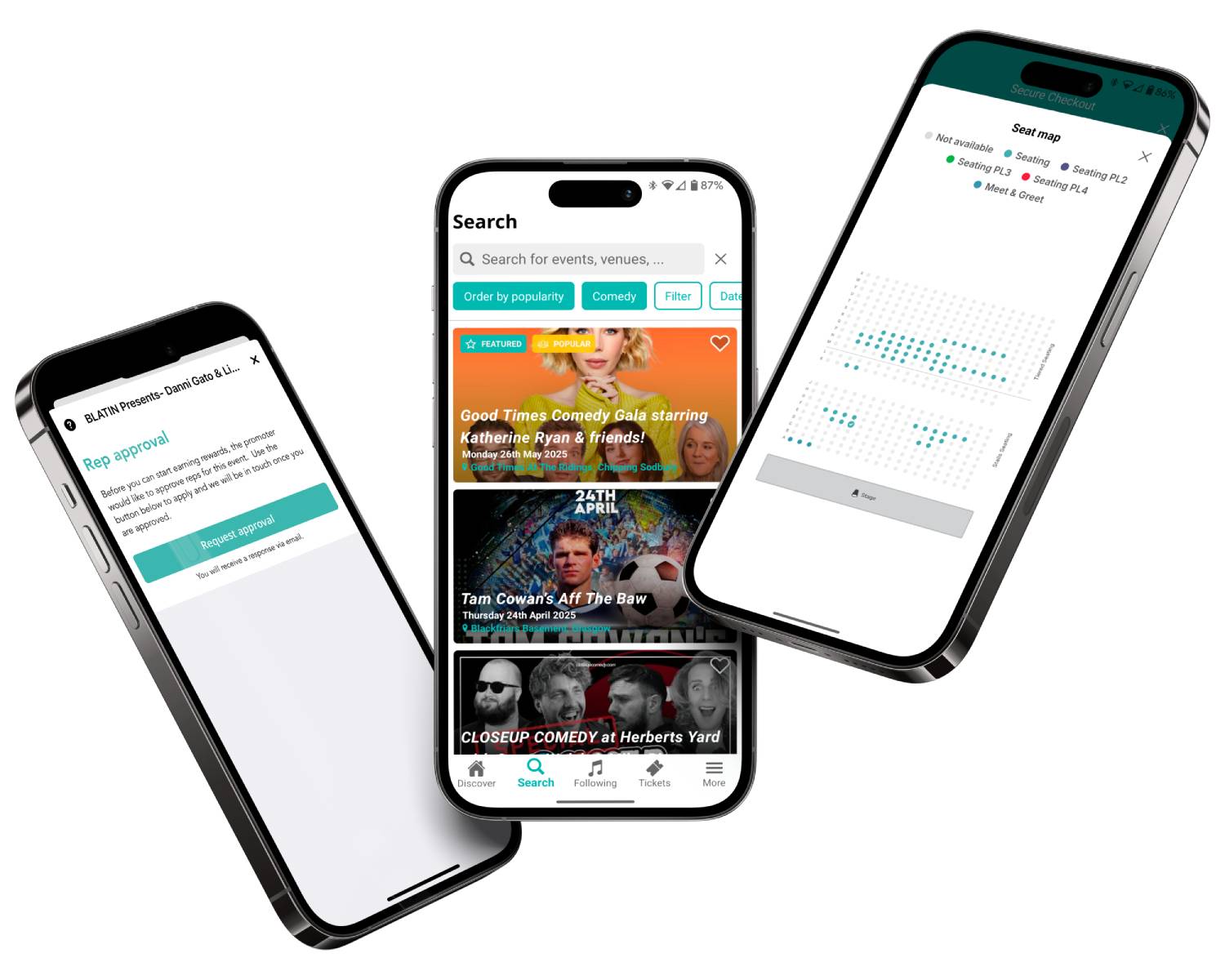
Festival-goers following your festival page on Skiddle receive app and email alerts when new events go live, helping you drive early ticket sales and build anticipation around every announcement.
Have your event featured in the UK’s most comprehensive festival guide, putting your festival in front of millions of people planning their next weekend away, summer festival, or day out.
Keep track of complimentary entries, VIP guests, staff, and promoters from one place, helping your team stay organised from first guest to last entry.
Give customers the flexibility to spread the cost of their booking with custom payment plans, helping reduce barriers to purchase and secure more sales earlier in your campaign. Learn more
Read article
By Dale Grogan
Read article

By Dale Grogan
Read article

By Dale Grogan
| Feature |

|
Ticketmaster | See Tickets | Easol | Gigantic |
| Festival/Brand Alerts | Yes | Yes | Yes | No | Yes |
| Push Notifications | Yes | Yes | No | No | No |
| Cool Off (72hr Refund) | Yes | No | No | No | No |
| Customer App | Yes | Yes | No | No | No |
| WhatsApp/SMS alerts | Yes | No | No | No | No |
| Spotify Integration | Yes | Yes | Yes | No | Yes |
| Same-day Remittance Payments | Yes | No | No | Yes | No |
| White Label Ticketing | Yes | Yes | No | Yes | No |
| Skiddle Reps (Affiliate Marketing) | Yes | No | No | Yes | No |
| Dedicated In-house Marketing Team | Yes | No | Yes | No | Yes |
Get in touch with our Account Support team.
How do I set up Session-Based Ticketing for repeating events?
How do I use Event Series?
How do I set up an allocated seating event?
How do I scan my event tickets?
Accessibility settings
Accessibility profiles
Content
Navigation
Colour