








Read article
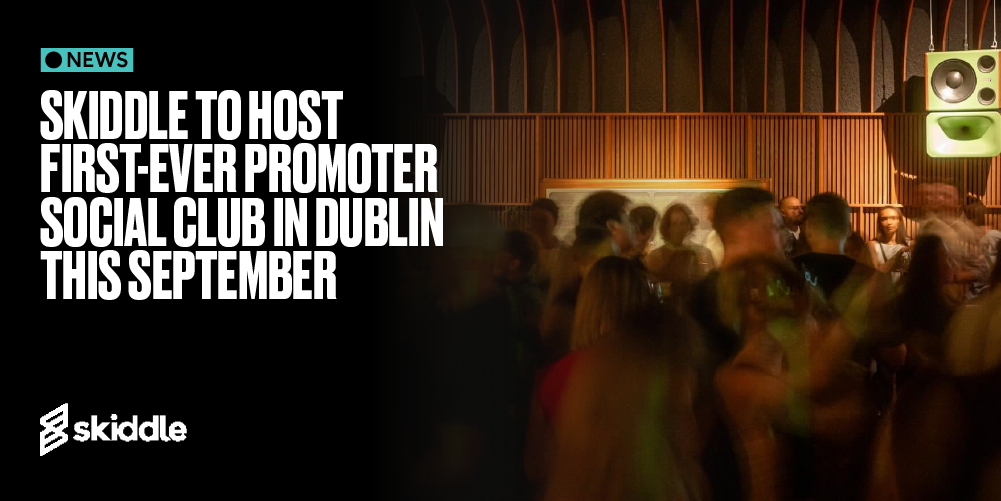
Skiddle to host first-ever Promoter Social Club in Dublin this September
-
By Dale Grogan
- 08 Sep 2026
- 3 min read
Home » Sell tickets »
Get more bums on seats at your next comedy event with the Skiddle Promotion Centre. Promote your events, sell more tickets, and manage everything all in one place.
Register your account
Create your free Promotion Centre account and start listing comedy events in minutes.
Create an event
Set up your event quickly with simple tools designed for busy promoters and venues.
Start selling tickets
Publish your event, reach comedy fans, and sell tickets with no upfront costs.
Highly rated by our customers
"We’ve already had great support from the Skiddle team. The platform is intuitive and couldn’t be easier to use and financially, it’s a brilliant option for us being a start-up social enterprise. We’re excited to see what our partnership with Skiddle brings in the future!"
Clique Glasgow
"We have been working with Skiddle since we started with Comedy at the Castle 4 years ago, and they've been integral to our growth and success. They're so impressively hands-on throughout the entire campaign, from the launch all the way through to event week."
Close Up Comedy
"Skiddle is our primary ticket vendor. We receive swift support and by far the best marketing support across all our shows. They are always on hand with excellent service and advice."
Louder UK
49,192 Skiddle followers
"We’ve been well looked after and found the systems easy to use with great help coming from our Account Manager who is always quick and helpful with any assistance we have required. Our customers seem happy with Skiddle too."
Riverside Festival
"Our Account Managers are reliable and are always on hand to assist and advise whenever needed. Whether it’s covering ticketing, setting up events, marketing support or customer queries, Skiddle ensure a speedy a speedy and positive resolution."
JBM Music
69,437 Skiddle followers
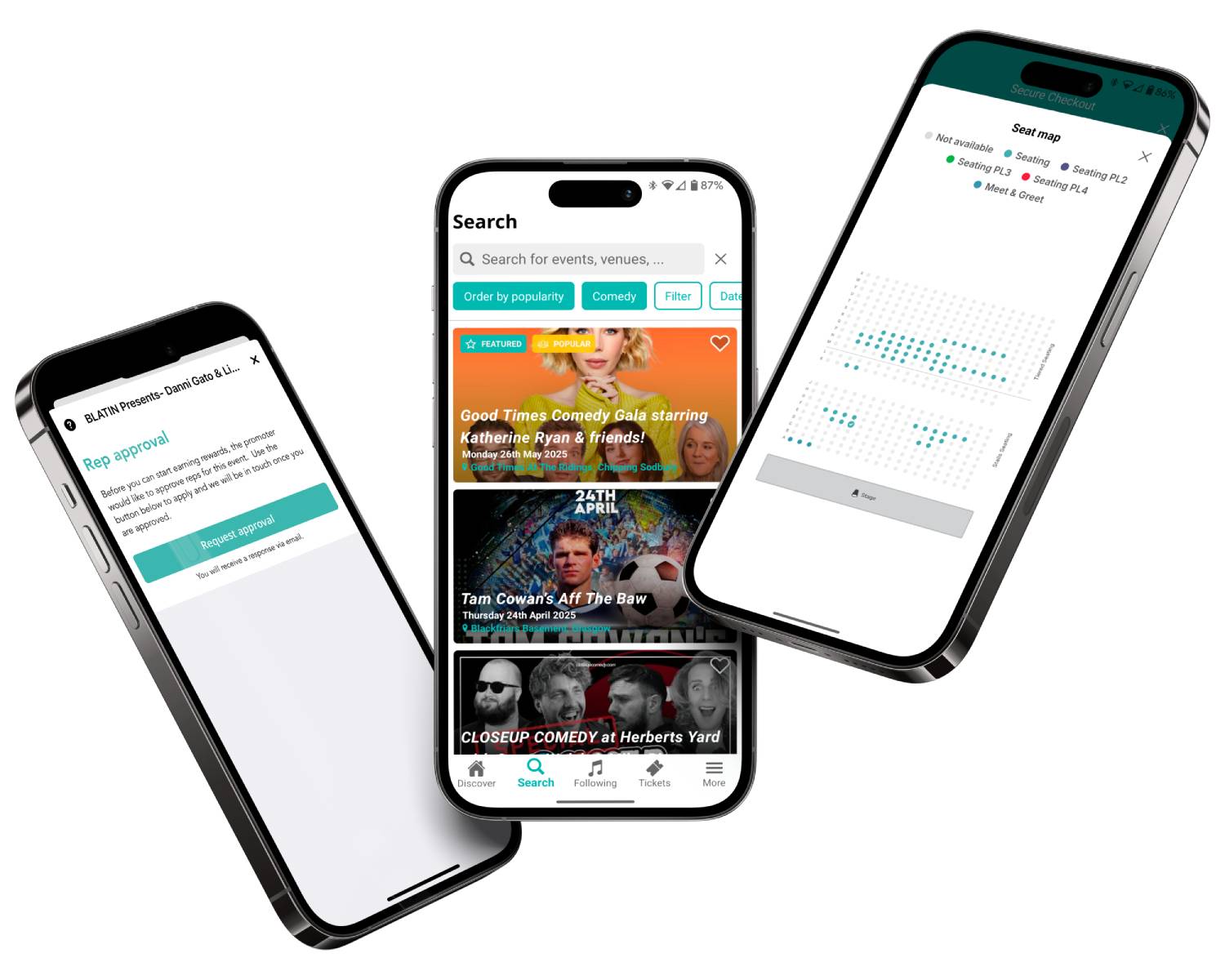
Give customers the option to choose where they sit with easy-to-use seating plans that help improve the booking experience and maximise ticket sales. Learn more
Create a dedicated space for your comedy nights, club, venue, or festival that fans can subscribe to, and we’ll notify them for free when you list new events. Learn more
When comedy fans follow an artist or comedian on Skiddle, we’ll notify them when they’re added to your events, helping you reach engaged audiences and drive ticket sales. Learn more
Access simple marketing tools designed to help you reach bigger audiences, increase visibility, and sell more tickets with less effort.
Read article
By Dale Grogan
Read article
By Dale Grogan
Read article

By Dale Grogan
| Feature |

|
See Tickets | Ticketmaster | Gigantic | Eventbrite |
| Brand Alerts | Yes | Yes | Yes | Yes | Yes |
| Push Notifications | Yes | No | Yes | No | Yes |
| Cool Off (72hr Refund) | Yes | No | No | No | No |
| Customer App | Yes | No | Yes | No | Yes |
| WhatsApp/SMS alerts | Yes | No | No | No | No |
| Spotify Integration | Yes | Yes | Yes | Yes | No |
| Same-day Remittance Payments | Yes | No | No | No | No |
| White Label Ticketing | Yes | Yes | Yes | Yes | No |
| Skiddle Reps (Affiliate Marketing) | Yes | No | No | No | No |
| Dedicated In-house Marketing Team | Yes | Yes | No | Yes | No |
Get in touch with our Account Support team.
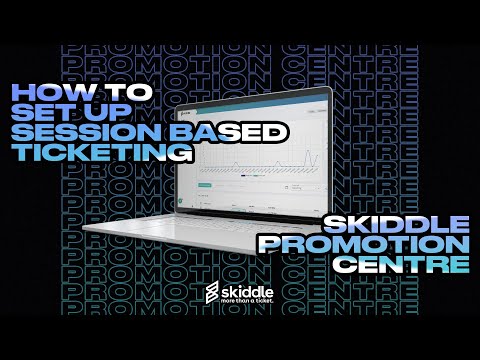
How do I set up Session-Based Ticketing for repeating events?
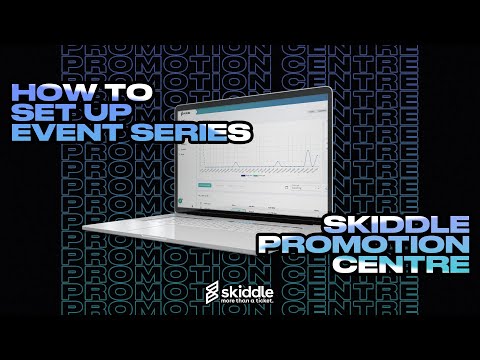
How do I use Event Series?
How do I set up an allocated seating event?
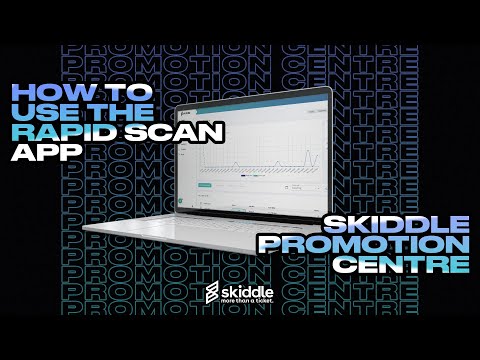
How do I scan my event tickets?
Accessibility settings
Accessibility profiles
Content
Navigation
Colour