
Home » Sell tickets »
Build bigger crowds for every fixture
Whether it’s a title fight, local derby, wrestling showcase, or fan zone screening, give supporters an experience worth cheering for from booking to event day.

Register your account
Create your free Promotion Centre account and start listing sports events in minutes.

Create an event
Set up fixtures, tournaments, screenings, and one-off events with easy-to-use tools designed for sports organisers.

Start selling tickets
Reach sports fans and sell tickets with no upfront costs.

Highly rated by our customers



Trusted by the biggest names in the industry
"What Skiddle are bringing to boxing not only revolutionises ticketing for promoters but also empowers fighters. Having a streamlined way to promote shows at all levels and sell tickets efficiently is the future of the sport. It’s a gamechanger for everyone involved and a massive step forward in growing boxing from the grassroots up."

Jazza Dickens – WBA International Champion
"We used Skiddle for the Len Johnson Celebrity Football match and it was one of the best decisions we could make it was easy to use and track ticket sales accessible and simple for the audience buying the tickets and just an overall great platform to promote and share your event on."

Lamine Touray – Len Johnson Celebrity Football
"The Skiddle team have been absolutely incredible throughout our experience with them and their services. Their passion for helping the world's only dedicated nightlife movement for video games has been unmatched, and our team are super excited to see how our brand will grow with their support in the years to come."
Format Gaming
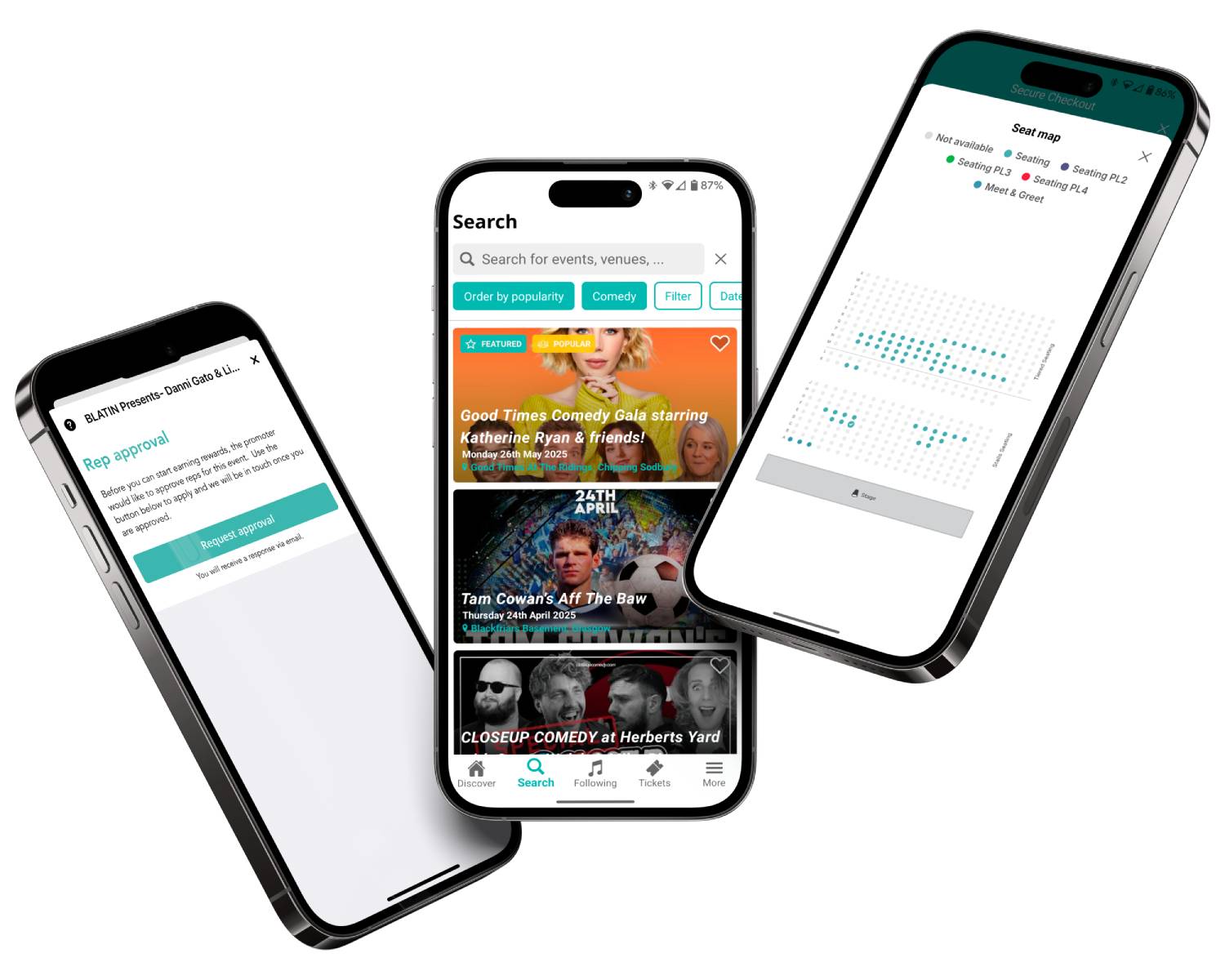
Tools for high-demand sporting events

Plans change. ReSell gives customers a secure way to resell tickets they can no longer use, helping reduce fraud and ensuring more supporters can attend your event. Learn more

Reward loyal followers for helping spread the word. Skiddle Reps allows fans to sell tickets on your behalf in exchange for rewards, helping your event reach new audiences organically. Learn more
Give supporters more flexibility at checkout with payment options like PayPal Pay in 3, helping spread the cost and making it easier to commit to attending. Learn more
Use RapidScan, Skiddle’s free ticket scanning app, to speed up entry, manage attendance safely, and help supporters spend less time waiting and more time enjoying the action. Learn more
Feature comparison
| Feature |

|
See Tickets | Ticketmaster | Gigantic | Eventbrite |
| Brand Alerts | Yes | Yes | Yes | Yes | Yes |
| Push Notifications | Yes | No | Yes | No | Yes |
| Cool Off (72hr Refund) | Yes | No | No | No | No |
| Customer App | Yes | No | Yes | No | Yes |
| WhatsApp/SMS alerts | Yes | No | No | No | No |
| Spotify Integration | Yes | Yes | Yes | Yes | No |
| Same-day Remittance Payments | Yes | No | No | No | No |
| White Label Ticketing | Yes | Yes | Yes | Yes | No |
| Skiddle Reps (Affiliate Marketing) | Yes | No | No | No | No |
| Dedicated In-house Marketing Team | Yes | Yes | No | Yes | No |
Got questions about listing your event?
Get in touch with our Account Support team.
How do I set up Session-Based Ticketing for repeating events?
 Watch
video
Watch
video
How do I use Event Series?
 Watch
video
Watch
video
How do I set up an allocated seating event?
How do I scan my event tickets?
 Watch
video
Watch
video