
Home » Sell tickets »
Blockbuster Screenings, Effortlessly Managed
Create memorable outdoor cinema experiences while making it easier to promote screenings, manage bookings, and deliver a seamless event day.

Register your account
Create your free Promotion Centre account and start listing outdoor cinema events in minutes.

Create an event
Launch multiple screenings, create flexible ticket options, and manage bookings from one place.

Start selling tickets
Reach movie buffs and sell tickets with no upfront costs.

Highly rated by our customers



Trusted by the biggest names in the industry
"The Skiddle team are very hands-on in their approach. They strive to answer any queries we might have promptly. They always ensure the whole process of setting up and running an event is a seamless one. We couldn't recommend using them enough."

Digbeth Dining Club
65,236 Skiddle followers
"The ease of managing events and allocations in the Promotion Centre is fantastic, and the data and reports available provide us with useful insights into our audience demographic, sales patterns and more."

The Blast
3,099 Skiddle followers
"We use Skiddle to sell tickets across all of our events & festivals, and would highly recommend their services to any event organiser. The easy-to-use back-end dashboard, sign-up campaign options and direct account manager support make the whole ticketing process very easy."
Glorious Day Festival
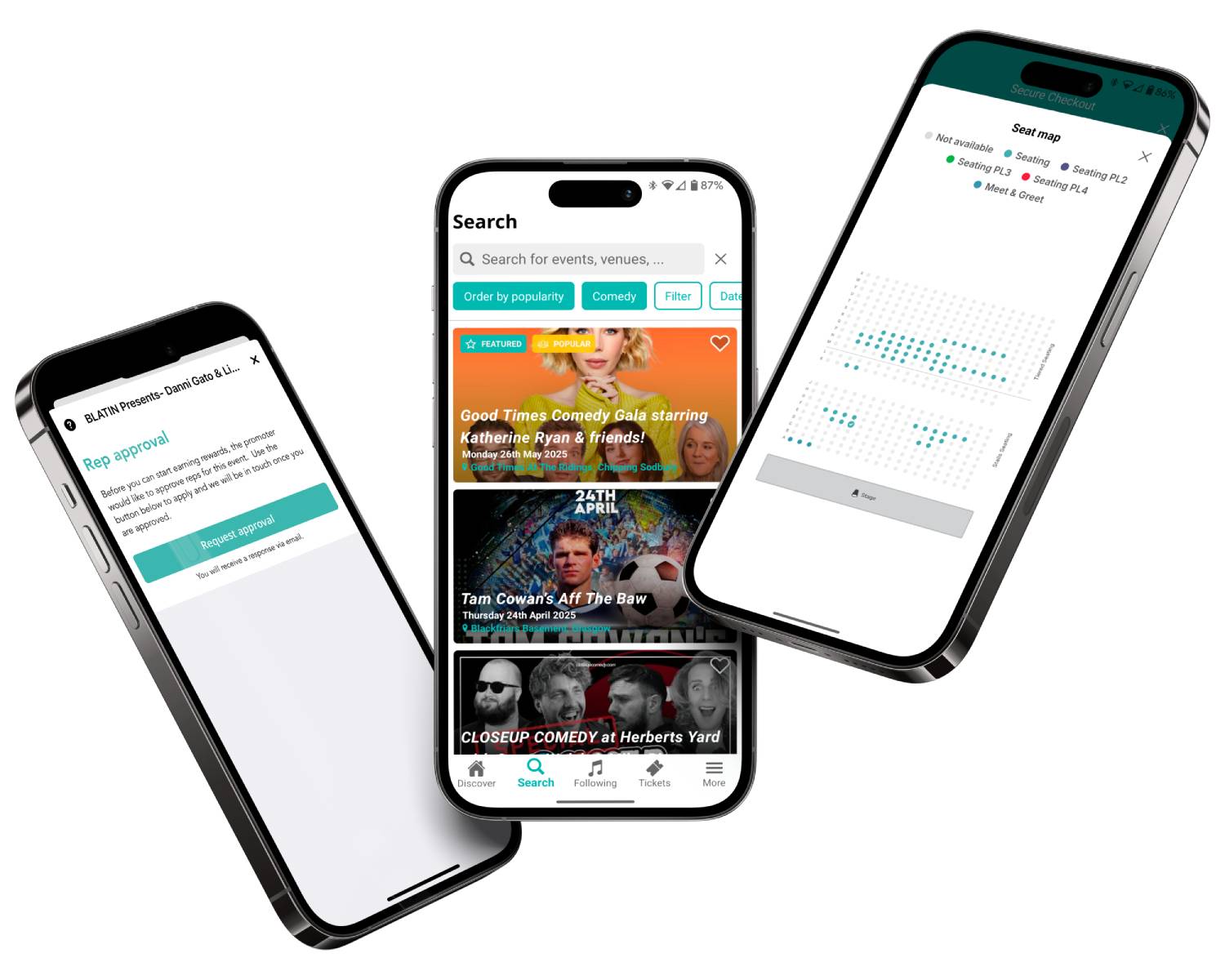
From previews to credits, we’ve got it covered

Planning multiple film nights throughout the summer? Create and manage an entire series of screenings from one place, reducing admin and saving valuable time. Learn more
Use RapidScan, Skiddle’s free ticket scanning app, to speed up entry, manage attendance safely, and help guests spend less time waiting and more time enjoying the film. Learn more

Sell merchandise, food and drink vouchers, premium seating upgrades, and other add-ons during checkout to increase revenue and enhance the customer experience.

Create family tickets, group packages, premium seating, and ticket dependencies that make booking easier while helping maximise attendance across every screening.
Feature comparison
| Feature |

|
See Tickets | Ticketmaster | Gigantic | Eventbrite |
| Brand Alerts | Yes | Yes | Yes | Yes | Yes |
| Push Notifications | Yes | No | Yes | No | Yes |
| Cool Off (72hr Refund) | Yes | No | No | No | No |
| Customer App | Yes | No | Yes | No | Yes |
| WhatsApp/SMS alerts | Yes | No | No | No | No |
| Spotify Integration | Yes | Yes | Yes | Yes | No |
| Same-day Remittance Payments | Yes | No | No | No | No |
| White Label Ticketing | Yes | Yes | Yes | Yes | No |
| Skiddle Reps (Affiliate Marketing) | Yes | No | No | No | No |
| Dedicated In-house Marketing Team | Yes | Yes | No | Yes | No |
Got questions about listing your event?
Get in touch with our Account Support team.
How do I set up Session-Based Ticketing for repeating events?
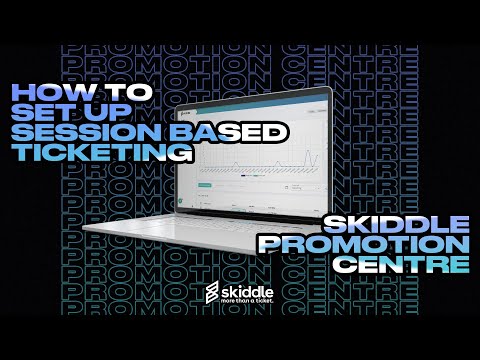 Watch
video
Watch
video
How do I use Event Series?
 Watch
video
Watch
video
How do I set up an allocated seating event?
How do I scan my event tickets?
 Watch
video
Watch
video