
Home » Sell tickets »
Create unforgettable live music events
Reach dedicated music fans, sell more tickets, and create a buzz before every show with promotion tools designed for gig promoters and venues.

Register your account
Create your free Promotion Centre account and start listing live music events in minutes.

Create an event
Set up gigs, tours, and recurring live music events quickly with easy-to-use tools built for promoters and venues.

Start selling tickets
Reach music fans and sell tickets with no upfront costs.

Highly rated by our customers



Trusted by the biggest names in the industry
"Skiddle has been an invaluable partner, consistently delivering top-notch event management solutions that have elevated our operations to new heights."

Jacaranda
"We have been working with Skiddle for many years now. The promotion centre is really easy to use, and the support and promotion that we get from our Account Manager is of the highest standard."
This Feeling
5,526 Skiddle followers
"Having worked with many ticket platforms managing the ticket sales for our venues, we can comfortably say that Skiddle has worked out to be the best fit."

Fire & Lightbox
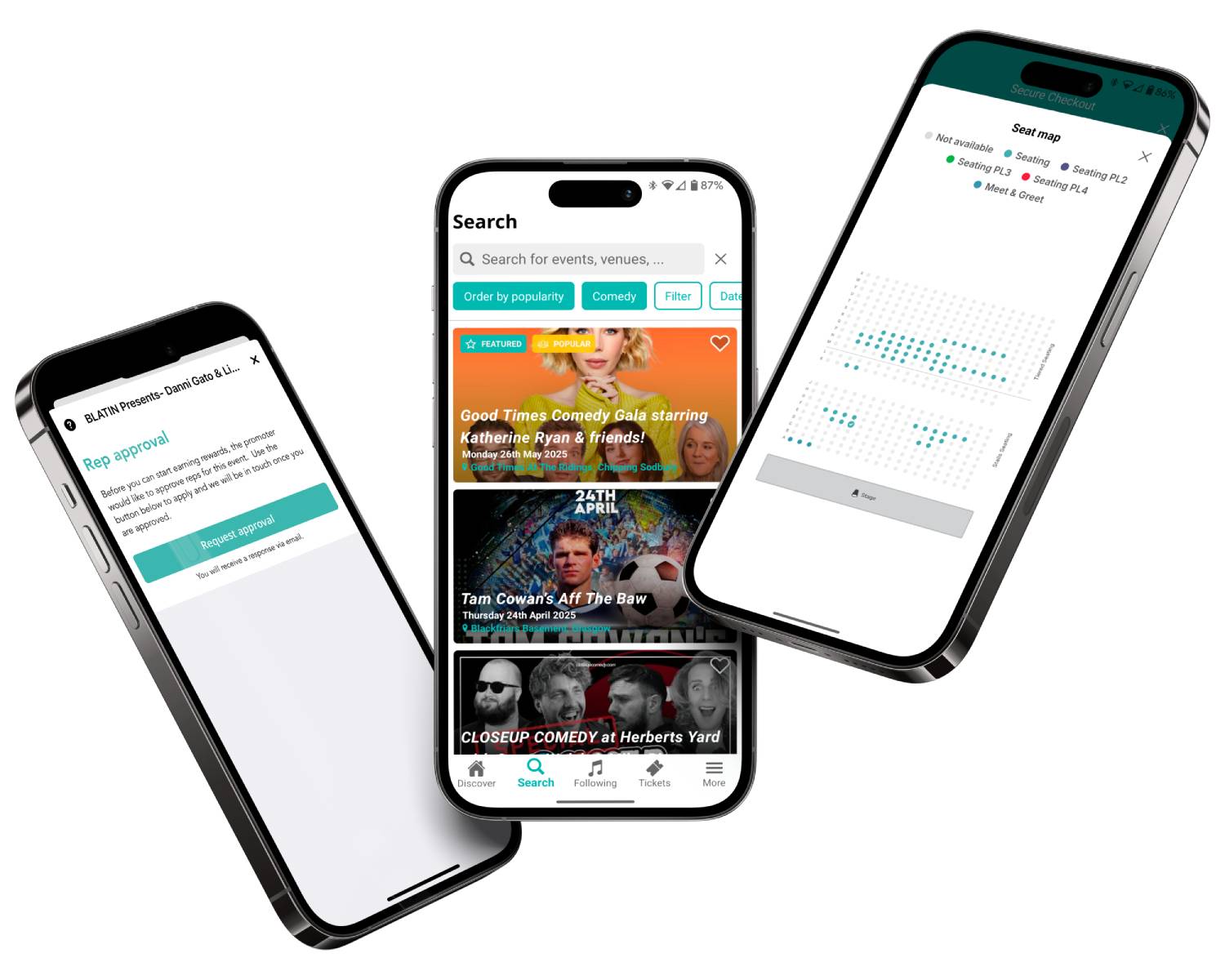
Bigger crowds = Better gigs

Our Remind Me feature lets your customers sign up to receive prompt reminders when tickets for your event go on sale, helping you bring engaged event fans back when they’re ready to book. Learn more

When customers follow an artist on Skiddle, they’ll receive notifications when that artist is announced on your event, helping you reach engaged audiences and drive ticket sales faster. Learn more
Keep track of complimentary entries, VIP guests, staff, and promoters in one place, helping your team stay organised from first guest to last entry.

Plans change. ReSell gives ticket holders a secure way to resell tickets they can no longer use, helping reduce fraud while keeping more tickets in circulation for genuine fans. Learn more
Feature comparison
| Feature |

|
See Tickets | Ticketmaster | Gigantic | Eventbrite |
| Brand Alerts | Yes | Yes | Yes | Yes | Yes |
| Push Notifications | Yes | No | Yes | No | Yes |
| Cool Off (72hr Refund) | Yes | No | No | No | No |
| Customer App | Yes | No | Yes | No | Yes |
| WhatsApp/SMS alerts | Yes | No | No | No | No |
| Spotify Integration | Yes | Yes | Yes | Yes | No |
| Same-day Remittance Payments | Yes | No | No | No | No |
| White Label Ticketing | Yes | Yes | Yes | Yes | No |
| Skiddle Reps (Affiliate Marketing) | Yes | No | No | No | No |
| Dedicated In-house Marketing Team | Yes | Yes | No | Yes | No |
Got questions about listing your event?
Get in touch with our Account Support team.
How to add an event?
How to add tickets?
How do I add team members to my account?
How do I scan my event tickets?
 Watch
video
Watch
video