
Home » Sell tickets »
Turn Great Family Events Into Sell-out Experiences
From seasonal attractions and themed experiences to family workshops and children’s events, make booking simple and keep families coming back for more.

Register your account
Create your free Promotion Centre account and start listing family-friendly events in minutes.

Create an event
Set up recurring events, create family ticket packages, and reward repeat bookings with flexible ticketing tools.

Start selling tickets
Reach families looking for their next day out and start selling tickets with no upfront costs.

Highly rated by our customers



Trusted by the biggest names in the industry
"The Skiddle team are very hands-on in their approach. They strive to answer any queries we might have promptly. They always ensure the whole process of setting up and running an event is a seamless one. We couldn't recommend using them enough."
Digbeth Dining Club
65,236 Skiddle followers
"The ease of managing events and allocations in the Promotion Centre is fantastic, and the data and reports available provide us with useful insights into our audience demographic, sales patterns and more."

The Blast
3,099 Skiddle followers
"We use Skiddle to sell tickets across all of our events & festivals, and would highly recommend their services to any event organiser. The easy-to-use back-end dashboard, sign-up campaign options and direct account manager support make the whole ticketing process very easy."
Glorious Day Festival
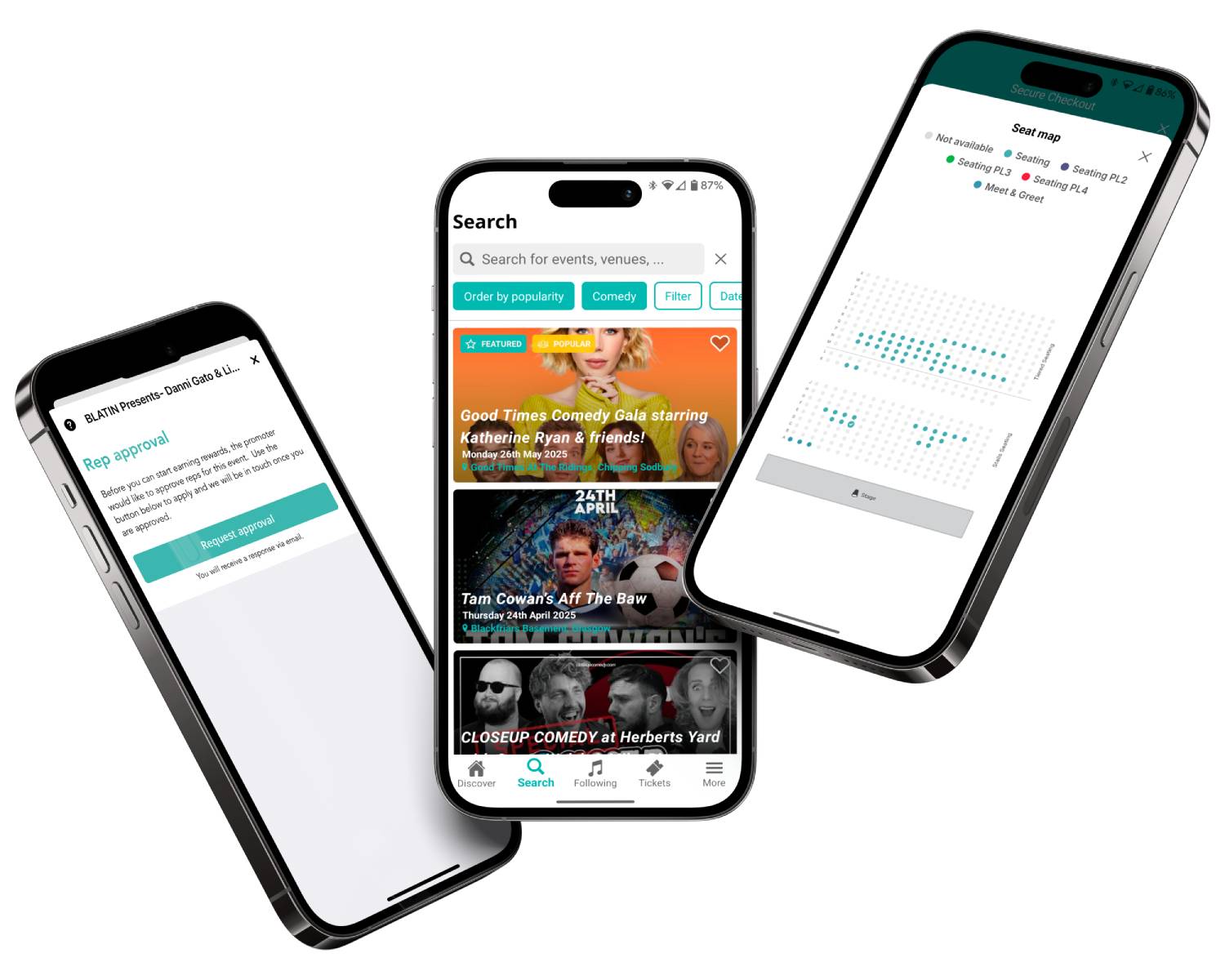
Create experiences families love
Running workshops, themed experiences, or recurring family events? Create and manage an event series from one place, saving time and reducing manual admin. Learn more
Create discount codes that encourage repeat bookings, reward loyal customers, and help drive attendance throughout your event programme. Learn more

Create discounted tickets for young children, group packages, VIP and other ticket dependencies that make booking easier while helping maximise sales.

Sell merchandise, activity packs, food and drinks vouchers, souvenirs, and other add-ons as part of the booking journey to create additional revenue opportunities.
Feature comparison
| Feature |

|
See Tickets | Ticketmaster | Gigantic | Eventbrite |
| Brand Alerts | Yes | Yes | Yes | Yes | Yes |
| Push Notifications | Yes | No | Yes | No | Yes |
| Cool Off (72hr Refund) | Yes | No | No | No | No |
| Customer App | Yes | No | Yes | No | Yes |
| WhatsApp/SMS alerts | Yes | No | No | No | No |
| Spotify Integration | Yes | Yes | Yes | Yes | No |
| Same-day Remittance Payments | Yes | No | No | No | No |
| White Label Ticketing | Yes | Yes | Yes | Yes | No |
| Skiddle Reps (Affiliate Marketing) | Yes | No | No | No | No |
| Dedicated In-house Marketing Team | Yes | Yes | No | Yes | No |
Got questions about listing your event?
Get in touch with our Account Support team.
How do I create a Payment Plan?
 Watch
video
Watch
video
How do I scan my event tickets?
 Watch
video
Watch
video
How do I use Event Series?
 Watch
video
Watch
video