
Home » Sell tickets »
Memorable Experiences, Made Simple
Show off what makes your experience unique, create flexible ticket options, and maximise the value of every booking from one easy-to-use platform.

Register your account
Create your free Promotion Centre account and start listing experiences and attractions in minutes.

Create an event
Showcase your attraction, create flexible ticket options, and launch events quickly with easy-to-use tools.

Start selling tickets
Reach new visitors and sell tickets with no upfront costs.

Highly rated by our customers



Trusted by the biggest names in the industry
"Many ticket platforms have similar features to those on the Promotion Centre, some more complicated than others to use, but where Skiddle stand out, leagues beyond any other platform we have worked with to date, is on the account management side. Their team has set a whole new standard of expectations for us, and I would be very surprised to find this elsewhere."
Queens Park Arena
"Having a platform like Skiddle on board has helped us to reach a much bigger audience. We’ve grown so much over the past decade, and this partnership is a key part of taking Laces Out! to the next level, bringing more people together to celebrate this community in the North West."
Laces Out Festival
"The Skiddle team are very hands-on in their approach. They strive to answer any queries we might have promptly. They always ensure the whole process of setting up and running an event is a seamless one. We couldn't recommend using them enough."

Digbeth Dining Club
65,236 Skiddle followers
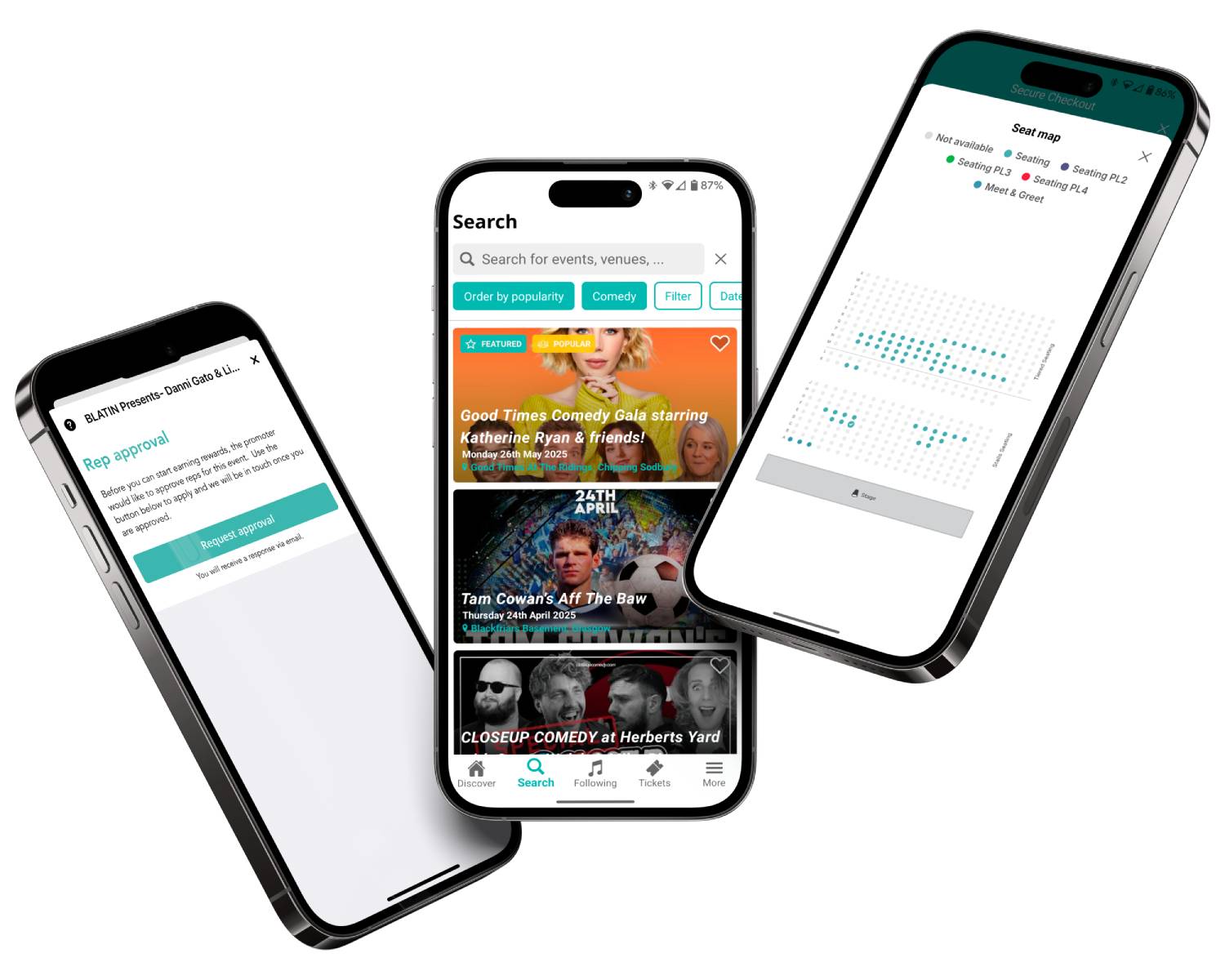
For experiences that stand out
Create family tickets, group packages, VIP upgrades, and ticket dependencies that make booking easier while helping maximise attendance.
Create discount codes for returning customers, promotional campaigns, and limited-time offers to encourage bookings and generate interest. Learn more

Sell merchandise, upgrades, experiences, food vouchers, and other add-ons during checkout to create more value from every booking.

Add images and videos to your event listing to showcase the experience and create a buzz around your event to help customers feel confident when booking.
Feature comparison
| Feature |

|
See Tickets | Ticketmaster | Gigantic | Eventbrite |
| Brand Alerts | Yes | Yes | Yes | Yes | Yes |
| Push Notifications | Yes | No | Yes | No | Yes |
| Cool Off (72hr Refund) | Yes | No | No | No | No |
| Customer App | Yes | No | Yes | No | Yes |
| WhatsApp/SMS alerts | Yes | No | No | No | No |
| Spotify Integration | Yes | Yes | Yes | Yes | No |
| Same-day Remittance Payments | Yes | No | No | No | No |
| White Label Ticketing | Yes | Yes | Yes | Yes | No |
| Skiddle Reps (Affiliate Marketing) | Yes | No | No | No | No |
| Dedicated In-house Marketing Team | Yes | Yes | No | Yes | No |
Got questions about listing your event?
Get in touch with our Account Support team.
How do I create a Payment Plan?
 Watch
video
Watch
video
How do I scan my event tickets?
 Watch
video
Watch
video
How do I use Event Series?
 Watch
video
Watch
video