
Home »
Ticketing for Epic Fan Conventions
Whether you’re hosting a comic con, tattoo convention, or fan expo, bring your community together with tools designed to grow attendance and keep fans coming back year after year.

Register your account
Create your free Promotion Centre account and start listing conventions in minutes.

Create an event
Manage attendee information, reward loyal fans, and organise your events from one easy-to-use platform.

Start selling tickets
Reach engaged communities and sell tickets with no upfront costs.

Highly rated by our customers



Trusted by the biggest names in the industry
"Having a platform like Skiddle on board has helped us to reach a much bigger audience. We’ve grown so much over the past decade, and this partnership is a key part of taking Laces Out! to the next level, bringing more people together to celebrate this community in the North West."

Laces Out Festival
"The Skiddle team are very hands-on in their approach. They strive to answer any queries we might have promptly. They always ensure the whole process of setting up and running an event is a seamless one. We couldn't recommend using them enough."

Digbeth Dining Club
65,236 Skiddle followers
"The Skiddle team have been absolutely incredible throughout our experience with them and their services. Their passion for helping the world's only dedicated nightlife movement for video games has been unmatched, and our team are super excited to see how our brand will grow with their support in the years to come."
Format Gaming
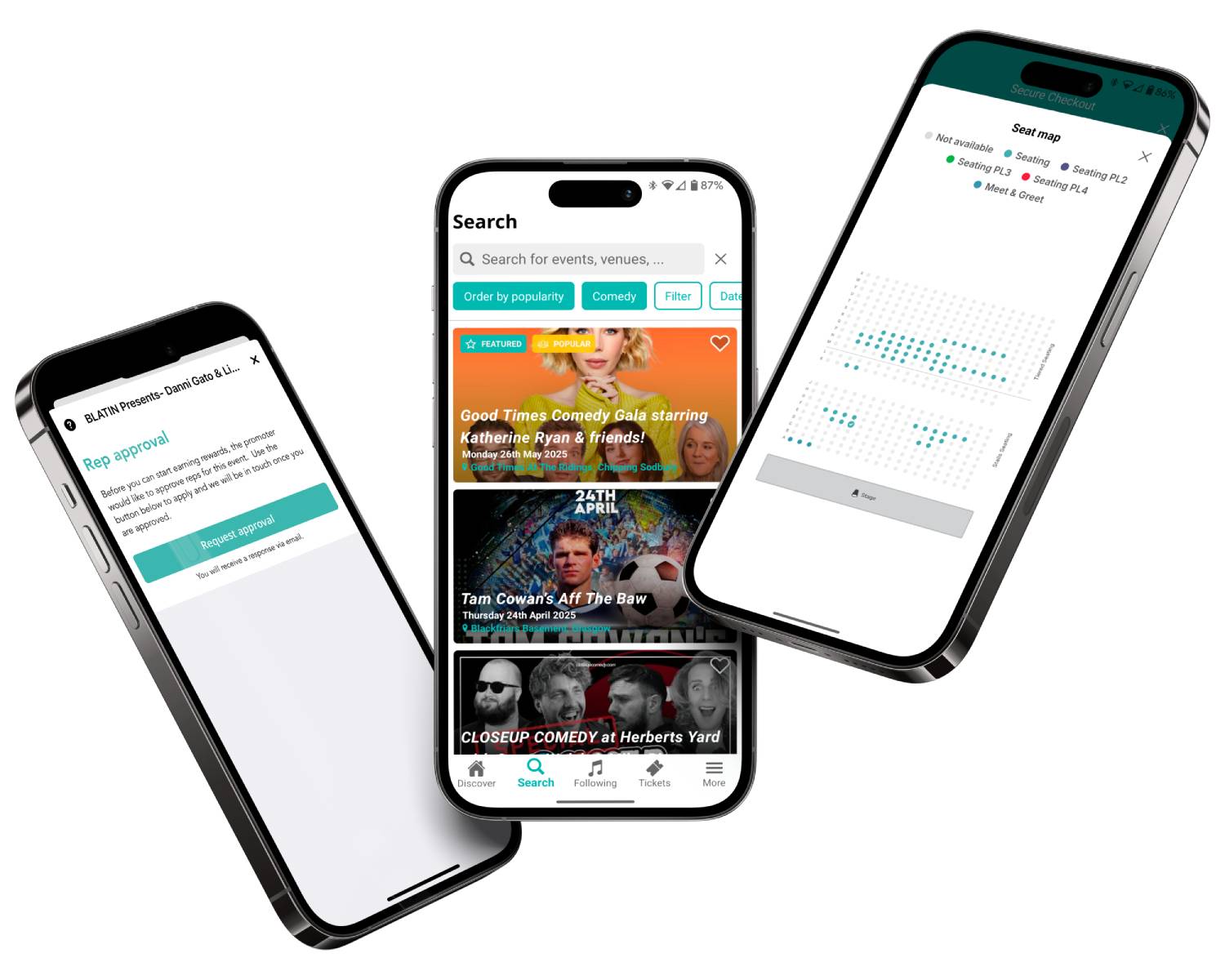
Tools to bring fandoms together
Create early bird promotions and exclusive offers for returning attendees, designed to drive engagement and encourage repeat attendance. Learn more

Collect valuable information during checkout to understand attendee interests, gather feedback, and make future events even more relevant to your audience.

Create custom discount codes to encourage advance sales, reward loyal customers, and give families another reason to book to attend your events. Learn more
Use RapidScan, Skiddle’s free ticket-scanning app, to speed up entry, manage multiple access points, and help attendees spend less time queuing and more time enjoying the event. Learn more
Feature comparison
| Feature |

|
See Tickets | Ticketmaster | Gigantic | Eventbrite |
| Brand Alerts | Yes | Yes | Yes | Yes | Yes |
| Push Notifications | Yes | No | Yes | No | Yes |
| Cool Off (72hr Refund) | Yes | No | No | No | No |
| Customer App | Yes | No | Yes | No | Yes |
| WhatsApp/SMS alerts | Yes | No | No | No | No |
| Spotify Integration | Yes | Yes | Yes | Yes | No |
| Same-day Remittance Payments | Yes | No | No | No | No |
| White Label Ticketing | Yes | Yes | Yes | Yes | No |
| Skiddle Reps (Affiliate Marketing) | Yes | No | No | No | No |
| Dedicated In-house Marketing Team | Yes | Yes | No | Yes | No |
Got questions about listing your event?
Get in touch with our Account Support team.
How do I add checkout questions?
How do I create an Event Brand or Brand Page?
How do I create a Discount Code?